Make a connect the dots puzzle from the picture your kid actually wants
Your kid asks for a Scooby-Doo dot-to-dot. The activity book has a boat and a duck. Every printable site has the same twelve animals. That's the gap this Dot to Dot Generator tool fills.
Upload the picture you already have and press Auto-trace: it finds the outline and drops evenly spaced numbered dots along it in a second or two. Nudge any of them by dragging, then print. Nothing to install and no account to make. You choose how many dots go in, anywhere from 15 to 300, so the same picture can suit a four-year-old or an adult who wants something slow to do with a pen. Prefer to click every dot yourself? You still can.
Teachers use it for worksheets that match the week's topic. Homeschool parents use it for name practice. Printable sellers use it for whole themed packs. If you like making your own activity sheets, the text over heart shape generator pairs well with this one for cards.
Practice images you can borrow
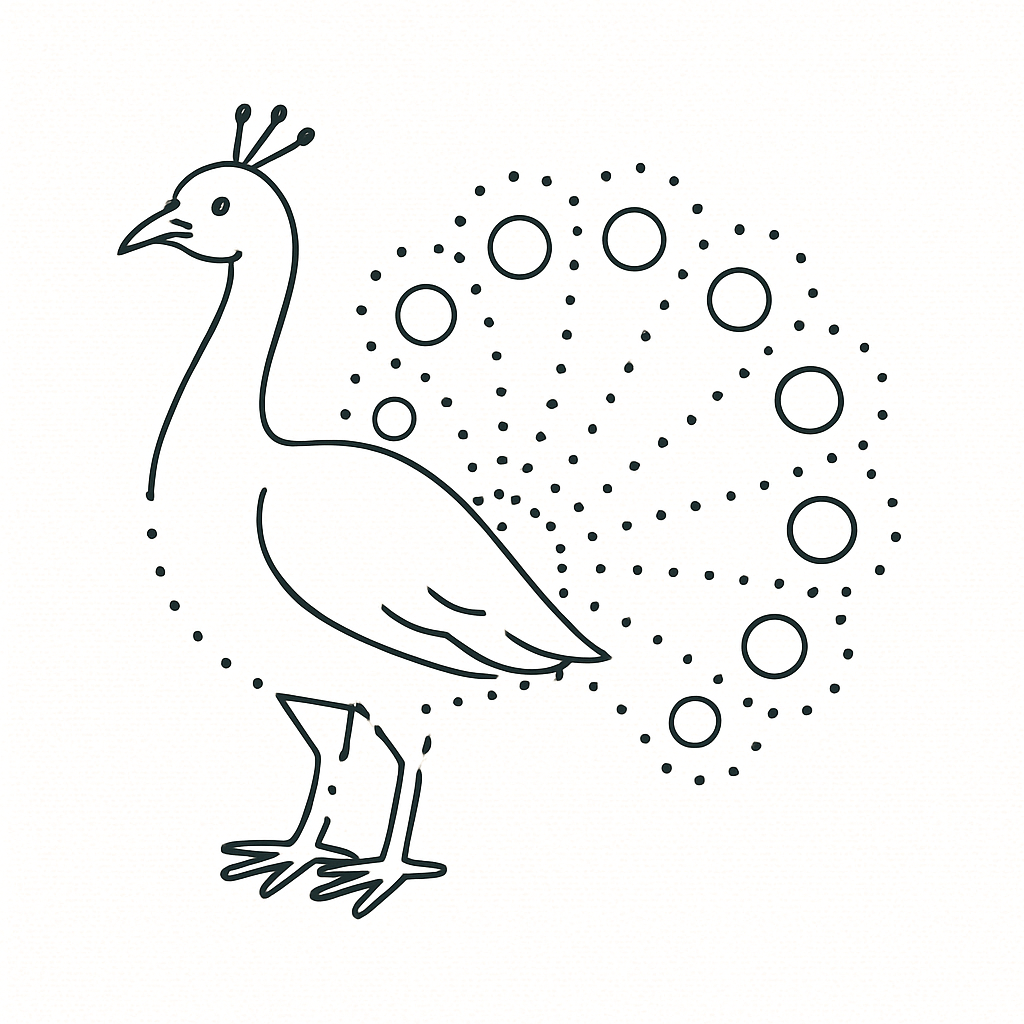
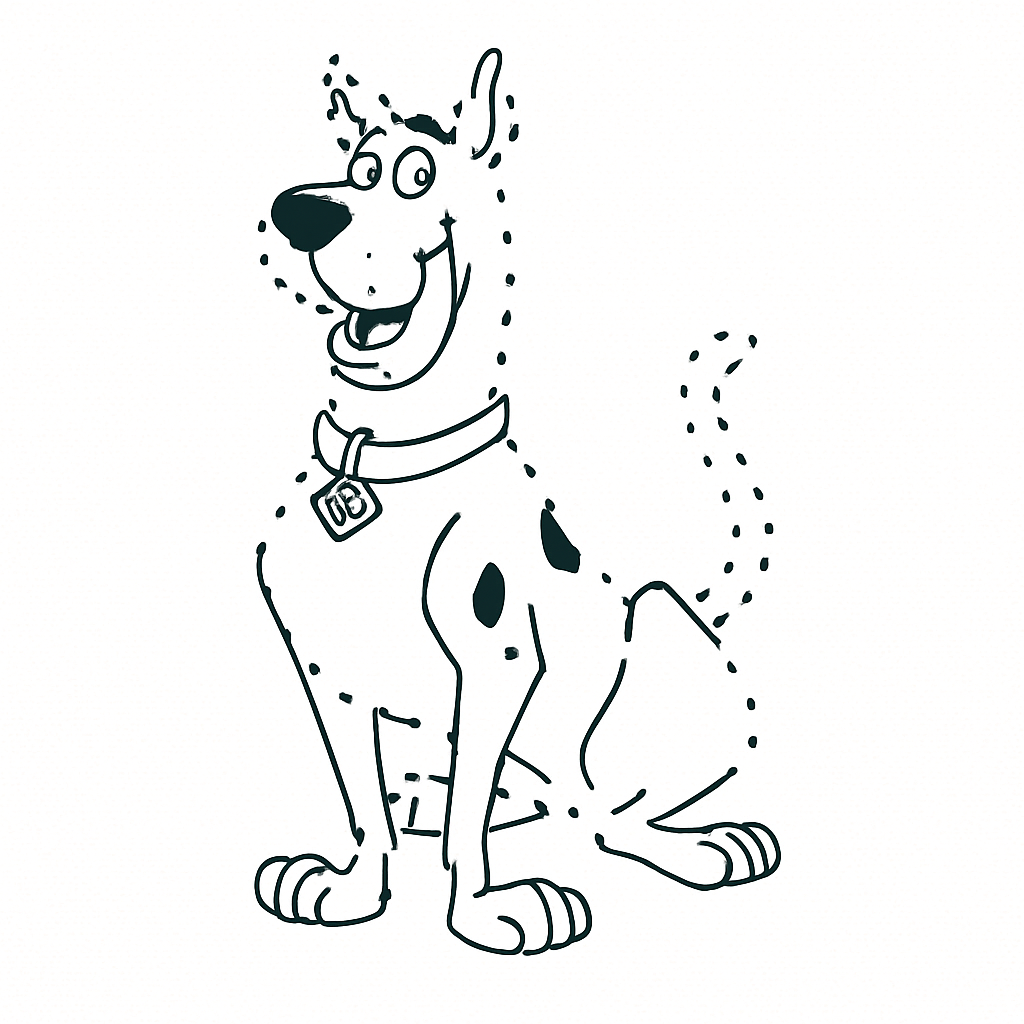
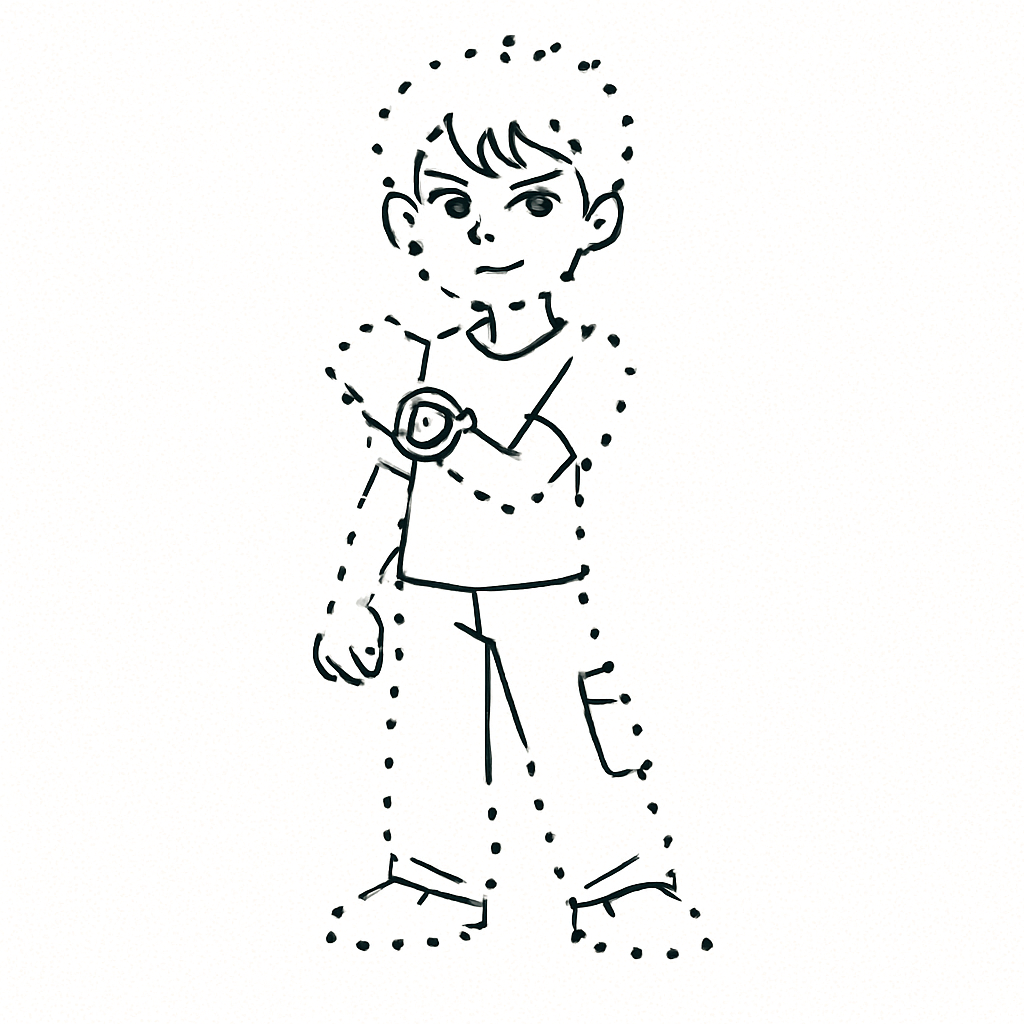
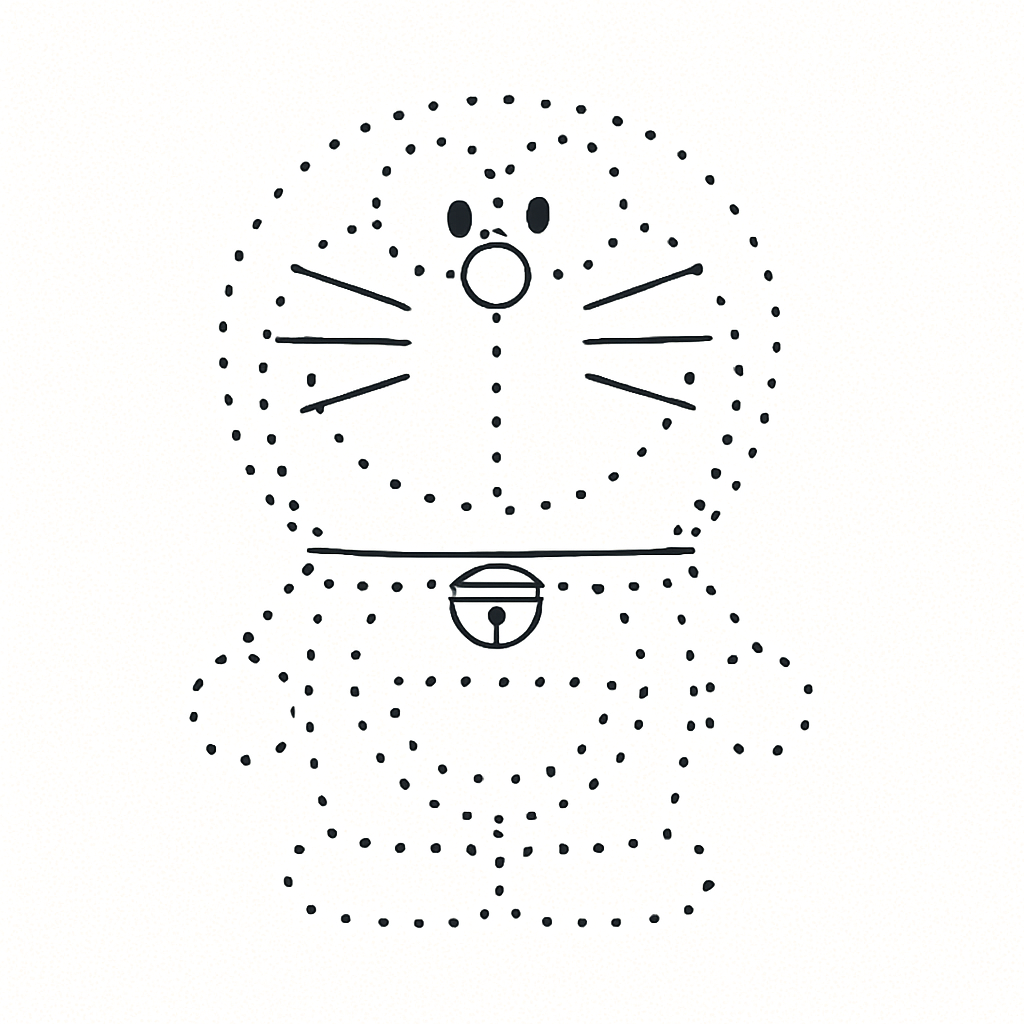
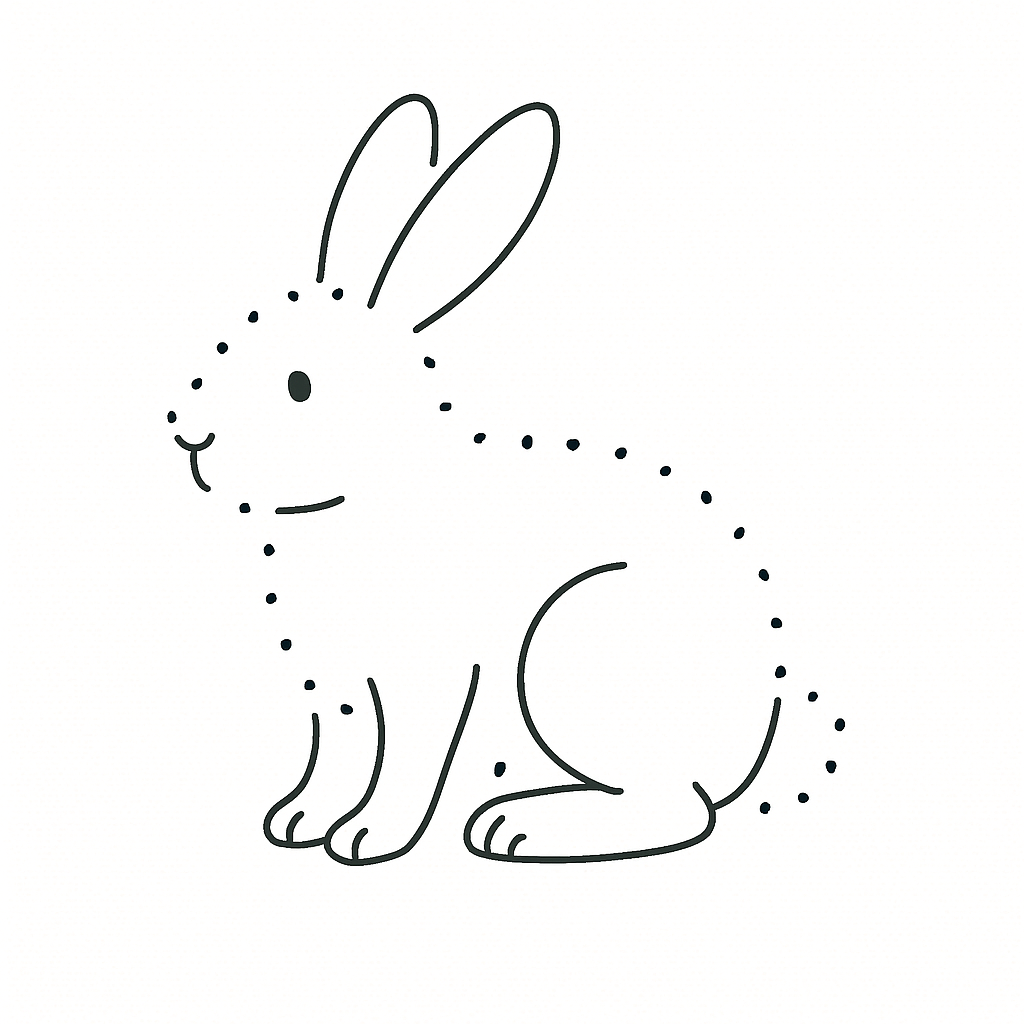
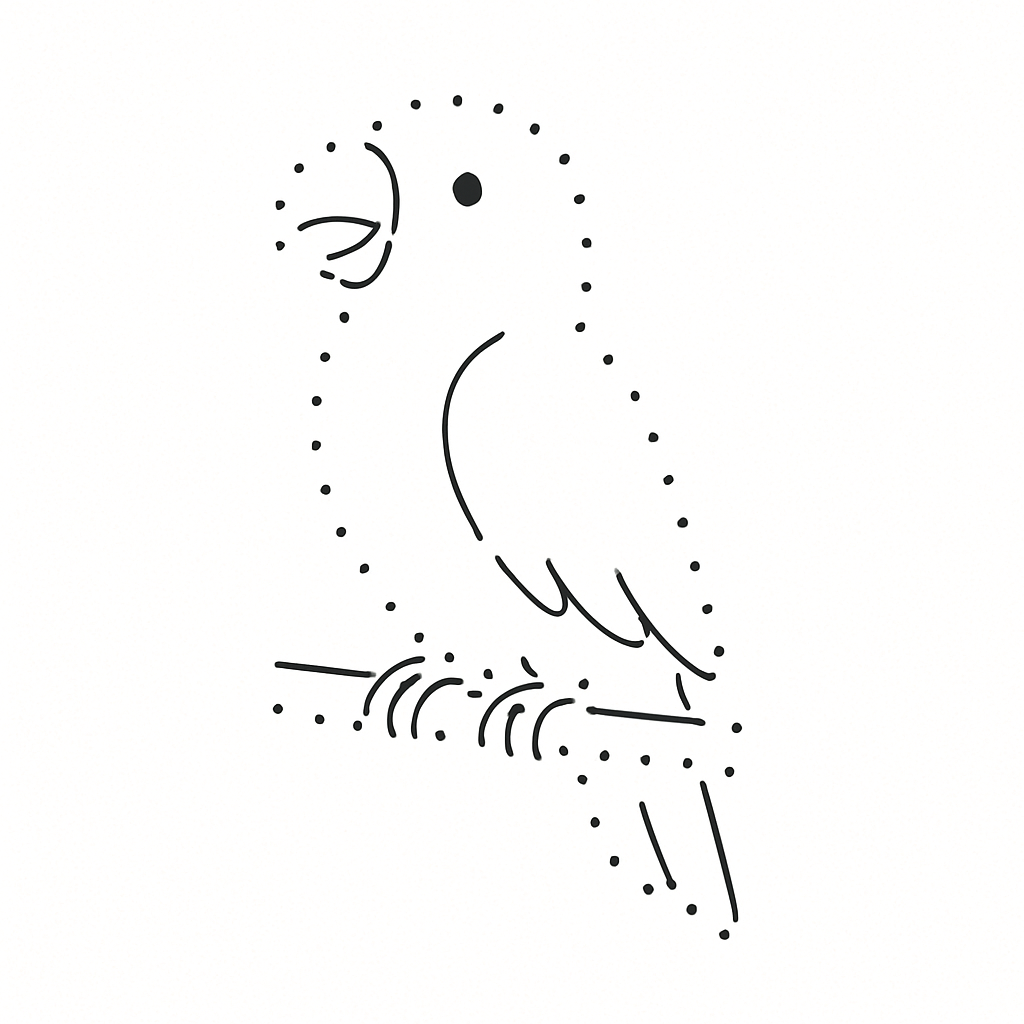
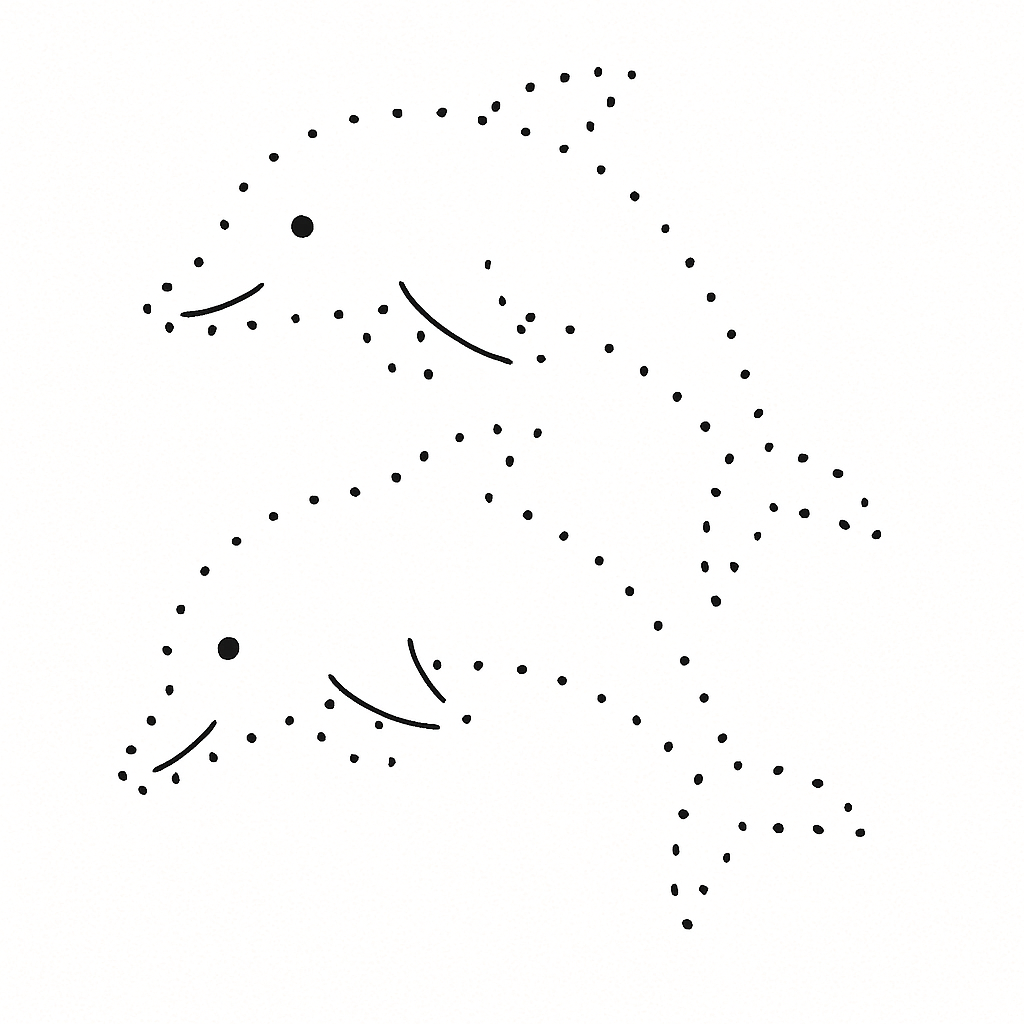
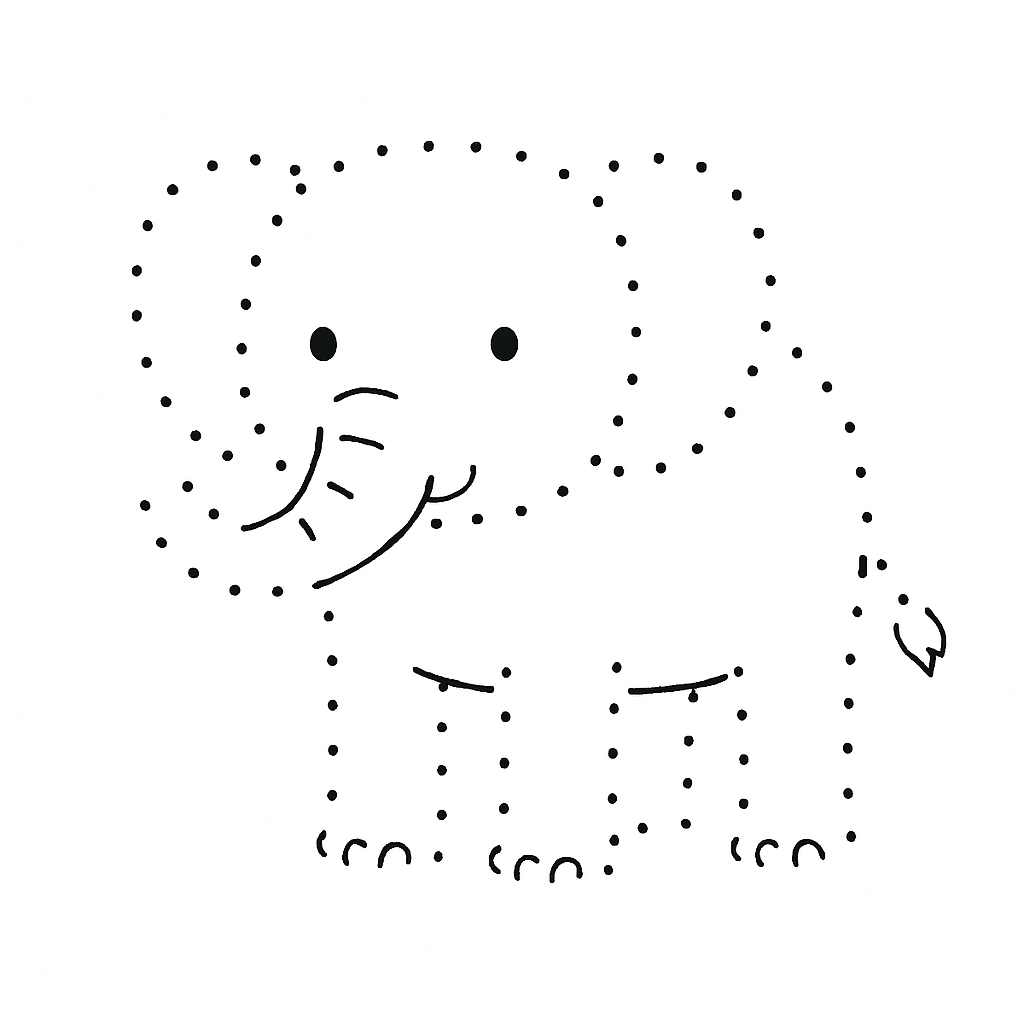
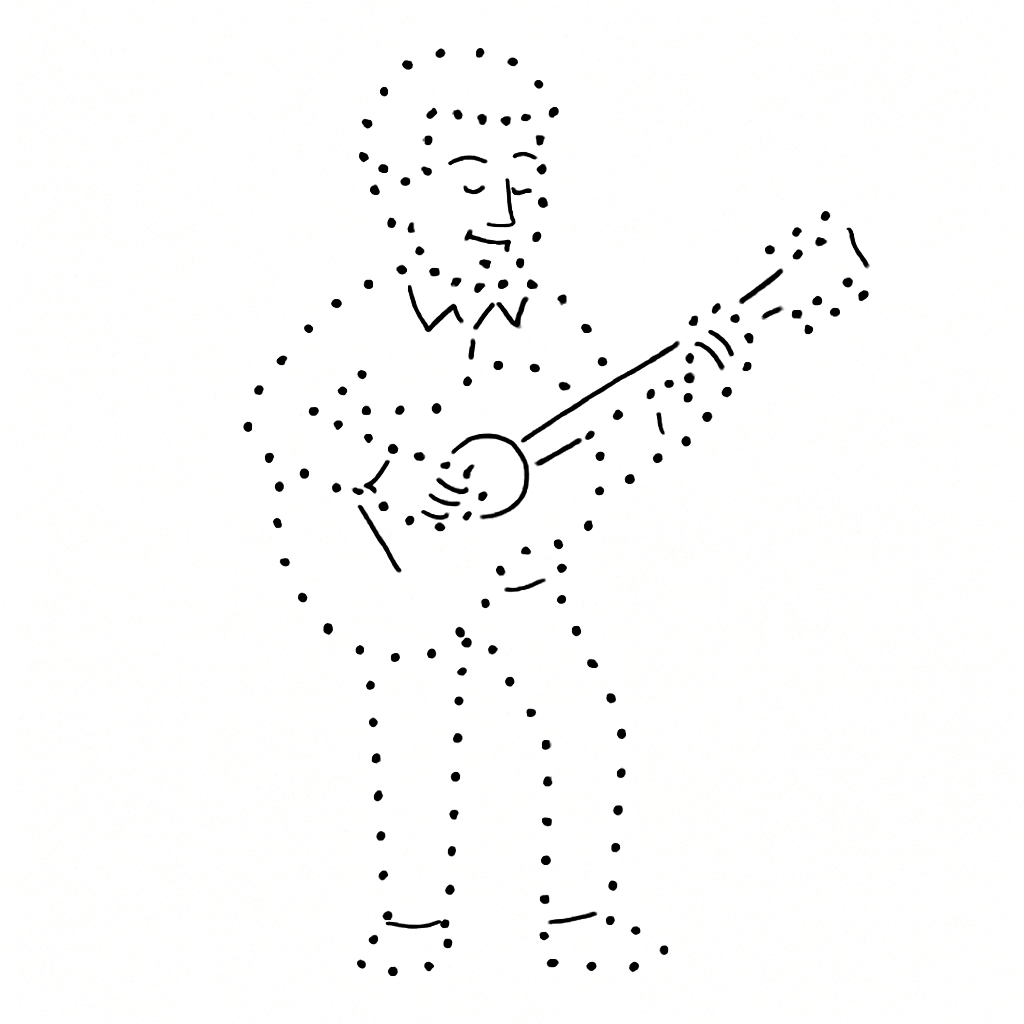
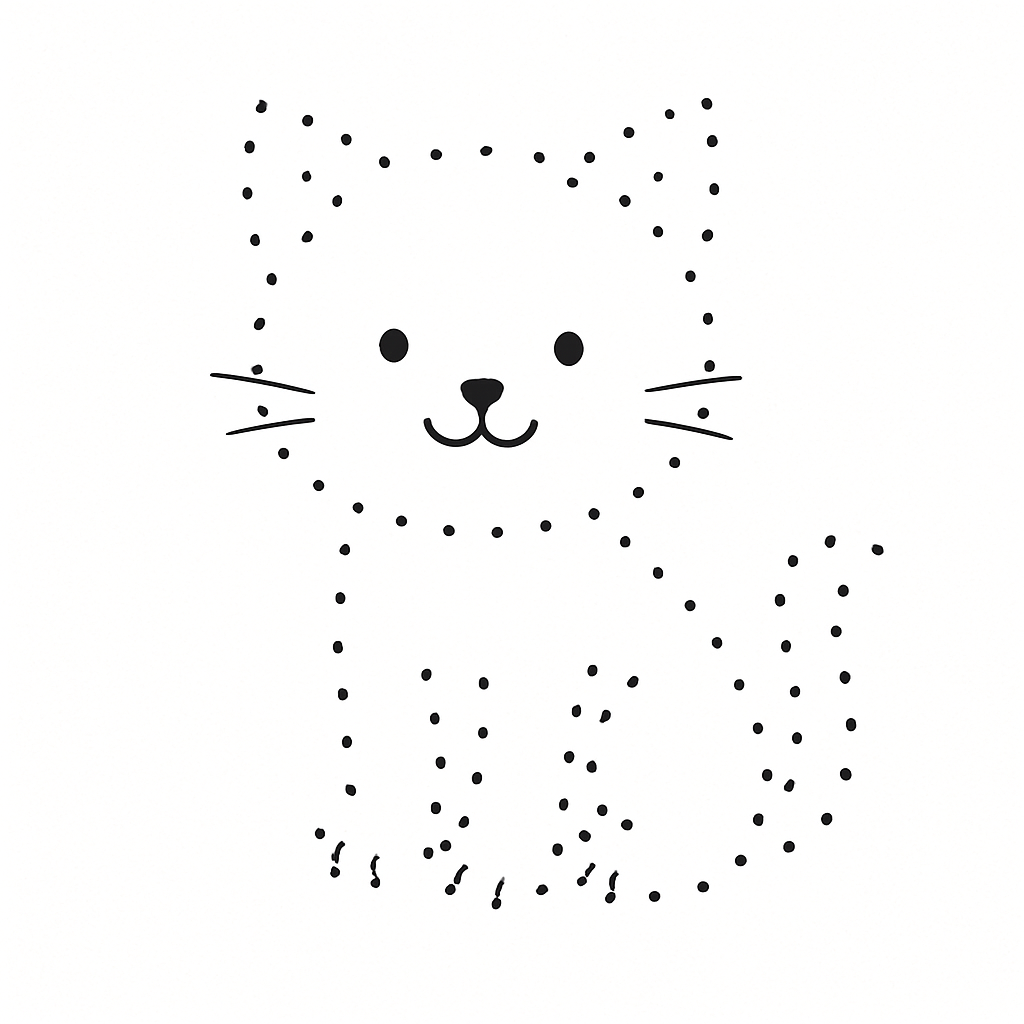
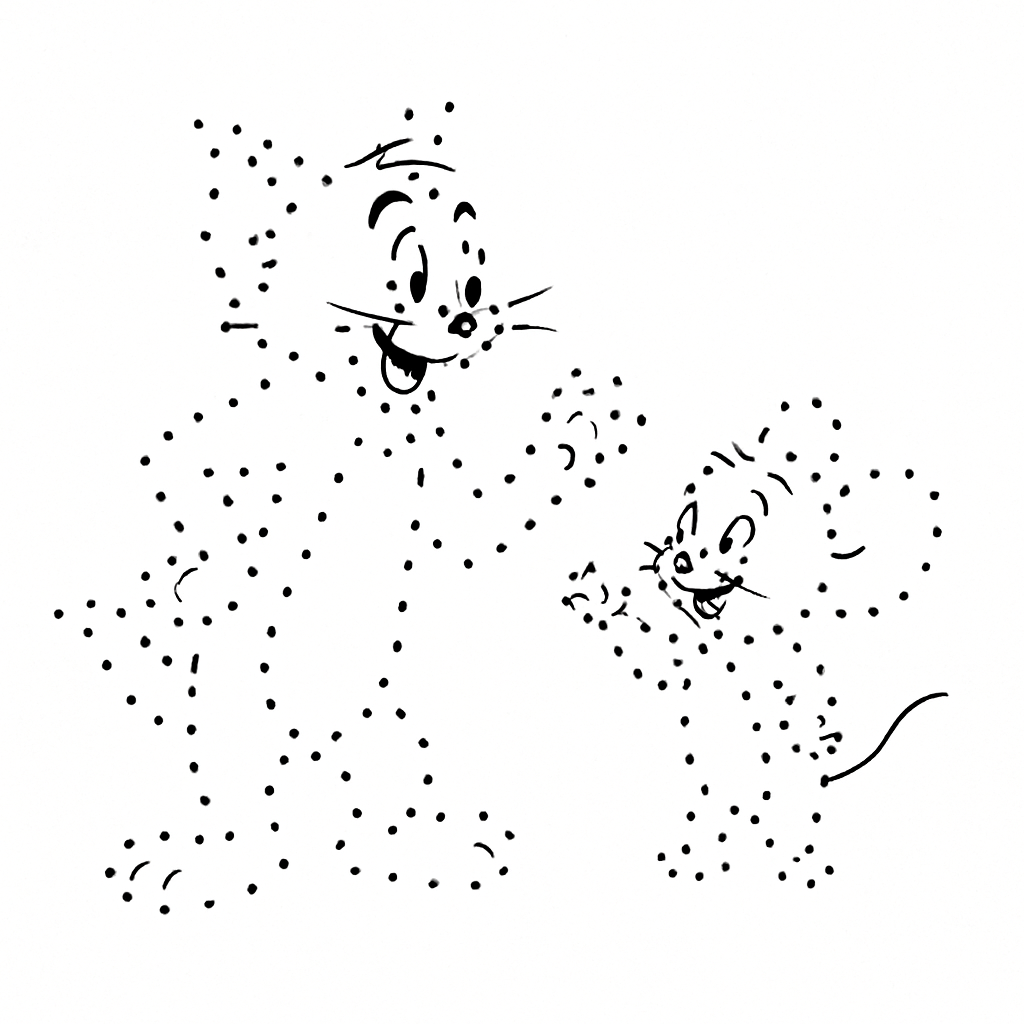
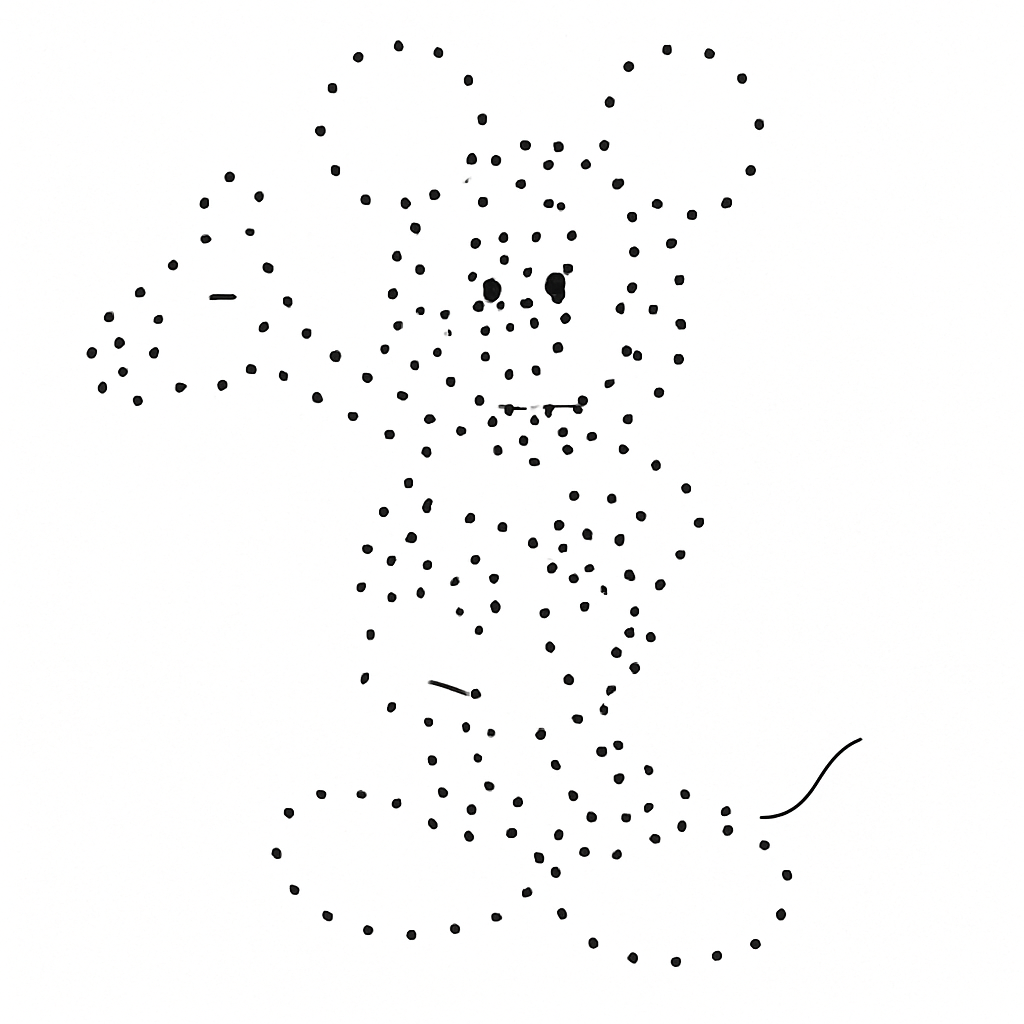
No picture handy? Right-click and save any of these, then upload it above and start clicking. Peacock, butterfly, elephant, dolphin, rabbit, horse, parrot, duck, cat, dog, flower, plus Scooby-Doo, Mickey Mouse, Tom & Jerry, Doraemon and Ben 10. They all have thick, clear outlines, which is the kind of picture that traces easily.





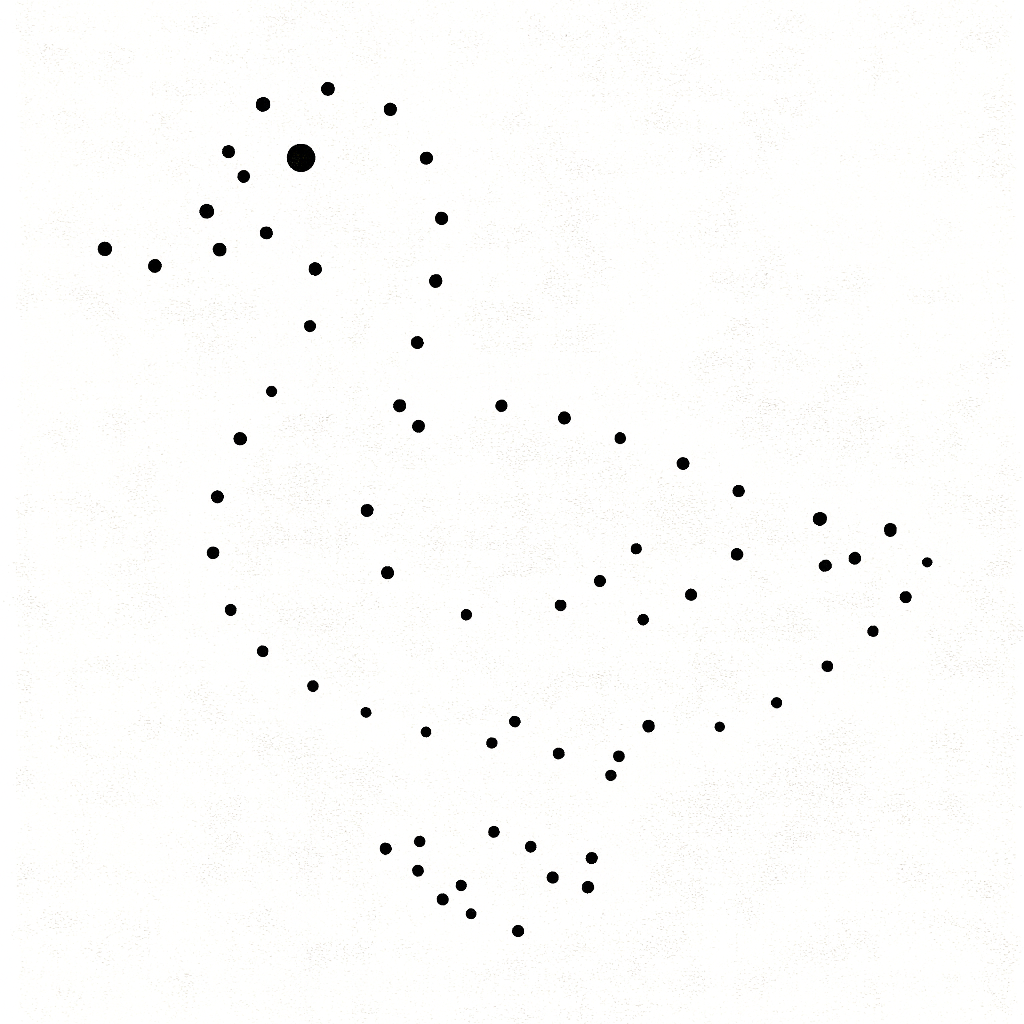
Five things that go wrong when you try to make a dot-to-dot puzzle
Most people who land here aren't shopping for software. They're stuck on one of these five problems. Here's each one, and what this generator does about it.
"I can't find a dot-to-dot of the thing my kid likes"
Printable sites carry a fixed set of pictures. Search for one specific cartoon character, your child's name, a bee life cycle or your school mascot and you get nothing you can use. Or you get a blurry scan from 2009.
Here the picture library is your own device. Any PNG or JPG can be the thing you trace: a screenshot, a coloring page, a photo of your child's own drawing, a diagram out of your lesson plan. You're never picking from somebody else's list.
"It's way too hard, or way too easy"
A printed book comes at one difficulty and that's that. Twelve dots bores a seven-year-old in about nine seconds. Ninety dots and a three-year-old gives up and goes to find the scissors.
You set the dot count, so you set the difficulty. Same butterfly: 20 dots for the toddler, 150 for their big sister — and with an auto-traced outline you can print both from one picture, plus a middle version, as pages of a single PDF. You can also change where the counting starts. Set Start Number to 30 and your class counts 30 to 60 instead of 1 to 30 again. There's a dot count by age table further down.
"Doing it in Word or Canva takes forever"
The DIY route goes like this. Draw a circle. Type a number next to it. Line them up. Copy, paste, nudge. Insert one dot in the middle and now you're renumbering everything after it. You quit around dot 40.
One click, one dot. It's already numbered and already joined to the dot before it, and the count keeps itself in order. Clicked in the wrong spot? Press Ctrl+Z. Changed your mind again? Ctrl+Y brings it back. You get 60 steps of history to play with.
"The picture printed underneath my dots"
This is what ruins most homemade attempts. If the original image is still sitting under the dots when it prints, there's no puzzle left. The answer is right there in gray.
The picture is only there to trace over. Switch Include image off before you download and your file has dots, numbers and lines on white paper, nothing else. Switch it on when you want a copy with the picture, which makes a handy answer sheet for a class set.
"It came out blurry, and the edge got cut off"
A small screen-sized image blown up to fill a sheet of paper turns into fuzzy blobs. And if the canvas is the wrong shape for the paper, the printer crops whatever hangs over.
Pick your paper under Page Size and the PDF is built as a real A4, A3, US Letter or US Legal page at 300 DPI, with a half-inch margin and the puzzle centred and never cropped. The paid PNG comes out at the same size and resolution. Or export SVG, which stays sharp whether you print a sheet of A4 or a two-meter banner. More detail in the printing section.
What you get to control
All of this sits in the Settings panel beside the canvas. None of it is locked behind a login.
Nothing to install and no account to make. Your picture stays in your own browser while you work, because the uploading, the clicking and the preview all happen on your computer (the FAQ covers what happens on export).
How the Dot to Dot Generator works in Simple Terms?
If you've never used anything like this, one idea explains the whole thing. You're tracing, not drawing. Here's what that means in practice.
It works like tracing paper over a photo
Picture a sheet of tracing paper laid over a photo of a rabbit. You can see the rabbit faintly through the paper, so you poke a dot everywhere the outline turns: tip of the ear, back of the head, curve of the back, tail, feet. Then you lift the tracing paper off. The rabbit is gone, but your dots are still there. Join them in order and the rabbit comes back.
That's this Dot to Dot Generator tool. The picture you upload is the photo underneath, shown at half strength so it looks faded. The canvas is the tracing paper. Your clicks are the dots. And turning Include image off before you export is you lifting the paper off the photo.
The order you click is the puzzle. Dots get numbered in the order you place them, not by where they sit on the page. So travel around the shape one way, like you're walking along the edge, instead of hopping from an ear to a foot and back to the ear. Hop around and the finished puzzle draws a plate of spaghetti. Want to add detail somewhere else? Start a new layer for it and leave your outline sequence alone.
How to make a dot-to-dot puzzle in 5 steps
Your first one takes under a minute with Auto-trace, or two to three if you place the dots yourself. You don't need any design skills. If you can click a mouse, you can do this.
Upload the picture you want to trace
Click Upload in the Settings panel, or just drag an image file onto the canvas. The canvas changes size to fit your picture, and the picture shows up faded so your dots stand out against it. If it's too strong or too faint, move the Image Opacity slider.
- Coloring book pages and line drawings
- Cartoon characters, logos, silhouettes
- Simple diagrams and icons
- Busy group photos
- Dark pictures, or pale ones
- Anything where you can't tell where the edge is
Auto-trace the outline, or click the dots in yourself
The fast way: press Auto-trace Outline. It finds every separate shape in your picture — a logo's roof, its envelope and each letter of its name are all separate shapes — and numbers straight through from the first to the last, all in the one layer you are already on. Leave Auto dot count on and it works out how many dots the picture needs by itself; turn it off if you would rather set the number, then trace again.
The hands-on way: pick a starting point, the top of the head works well, then move around the shape in one direction, dropping a dot wherever the line changes direction. A straight edge needs two dots. A curve needs a handful.
Either way you can fix things afterwards: drag a dot to move it, and right-click (or Alt+click) to delete one — the rest renumber themselves. Zoom in for fiddly bits, turn the grid on for anything symmetrical, and undo as much as you like with Ctrl+Z. The dot counter above the canvas tells you how big the puzzle is getting.
Style it for whoever's solving it
This is the step that stops a puzzle looking homemade. Big dots and bold numbers for small children. Small tight dots for adults. Choose the dot shape, the color, the number style, and decide how much help the guide lines give away.
A tip: leave Lock style per dot off while you're trying things out, and every dot restyles as you change the settings. Turn it on when you want dots in the same layer to keep different looks.
Hide the picture and check your work
Before you download, hide the background picture and look at the dots by themselves. This is your proofread. It catches the two things you can't see while the picture is still showing:
- Can you still tell what it is? If not, add a few more dots around the curves.
- Are any numbers sitting on top of each other? Two dots too close together make the numbers collide. Shrink the dot size a little, or undo one of them.
Download it and print it
Pick your format in the Export section, with Include image set the way you want it.
How many dots should a puzzle have? A guide by age
This is the question we get asked most, and it's the one thing a book off the shelf can't change. Start with these numbers, then adjust once you've watched somebody solve one.
| Who's solving it | Dots | Settings that help | Why |
|---|---|---|---|
| Ages 3 to 4 | 5 to 15 | Dot size 14 to 24 px, guide lines on, numbers up to 10 | They're still learning that numbers come in an order. Getting to the end matters more than the challenge. |
| Ages 5 to 6 | 15 to 30 | Dot size 10 to 14 px, lines off, numbers up to 30 | Counting to 20 or 30 is the skill they're working on, and they can manage the shorter hops with a pencil. |
| Ages 7 to 9 | 30 to 80 | Dot size 6 to 10 px, a second layer for detail | They want the picture to be a real surprise, and they'll stick with it for ten minutes or more. |
| Ages 10 and up | 80 to 200 | Dot size 4 to 6 px, custom start number | Now you can fit real detail in. Starting at a three-digit number adds a bit of math to it. |
| Adults, for relaxing | 200 to 500 and up | Dot size 2 to 4 px, big canvas, PDF or SVG | The slow reveal is the whole appeal. Lots of tiny dots close together end up looking like a line drawing. |
| Hand strength practice | 10 to 25, spread out | Large dots, strong contrast, lines off | The point is long careful strokes between clear targets, not how many dots there are. |
Teaching a group where everyone's at a different level? Trace the easy version first and export it. Then keep going: add the in-between dots on a second layer and export again. Two or three files out of one picture, and every child gets a sheet that fits them.
Which pictures make good dot-to-dot puzzles
Choosing the right picture saves you more time than any setting does. The test is simple. If you could draw the shape with one pencil line, it'll trace well.
These work
- Coloring pages and line drawings. Somebody already drew the outline for you.
- Cartoon characters. Bold, closed shapes with clean edges.
- Animal shapes. Rabbit, elephant, dolphin, butterfly, peacock.
- Letters and names. Use a big canvas and give each letter its own layer.
- Science diagrams. Leaves, life cycles, planets, basic anatomy.
- Logos and holiday shapes. Hearts, stars, pumpkins, trees, snowflakes.
These fight you
- Busy photos. A beach scene has no single outline to follow.
- Dark or washed-out pictures. You can't see where the edge is.
- Fur, leaves, hair. Texture has no edge to trace. Simplify it instead.
- Tiny images. Upload the biggest version you have.
- Graphics full of text. Small letters don't survive being turned into dots.
Only got a photo? Ignore the detail and trace the outer shape alone. An outline people recognize beats an accurate mess.
Tracing a cartoon character for your own kitchen table or your own classroom is ordinary personal use. If you're planning to sell the printables, build them from your own drawings or from properly licensed and public domain pictures. Turning a character into dots doesn't make the copyright go away.
Printing your puzzle so it looks right
When someone says their puzzle printed badly, it's nearly always the canvas shape or the file format. Two minutes of setup and both go away.
Just pick your paper at export time
You no longer have to size the canvas to your paper. Open the Export section, choose Page Size and Orientation, and the puzzle is scaled to fit that page without distorting it.
- A4, A3, US Letter, US Legal — a real page of that size
- Orientation: Auto follows your canvas shape, or force portrait/landscape
- 300 DPI throughout, with a 0.5 in margin so nothing is clipped
- Canvas size is still there if you want the page to match your canvas exactly
Which file to pick
- PDF. The one to use for printing. A real page at 300 DPI, and the only format that can carry the answer key and the easy/medium/hard versions as extra pages.
- SVG. For when the size might change, or you want to edit the lines and numbers later. It doesn't care what size you print it.
- PNG. For screens and messaging apps. The paid one is rendered at the same 300 DPI page size as the PDF, so it prints well too.
In the print dialog, choose "Actual size" or 100% rather than "Fit to page", so the spacing comes out the way you drew it.
- Keep a margin. Don't put dots right at the edge of the canvas, where the printer can clip them.
- Print one copy to check before you run 25 for a class.
- Black dots on white paper use the least ink. Colored dots look lovely and cost more per page.
- Slightly thicker paper, 100 gsm or more, stops felt tip pens bleeding through.
- Export the answer key while you're there, with the picture and lines switched on. Rebuilding it later is annoying.
What children get out of dot-to-dot puzzles
Useful if you have to justify the activity to a curriculum, a co-op or a doubtful grandparent. Joining dots works on several skills at once, and it still feels like a game.
Pencil control, and getting ready to write
- Grip strength and steady pressure
- Hand and eye working together
- The controlled strokes handwriting needs
Counting and number order
- Counting 1 to 10, 1 to 50, or past 100
- Starting partway along, say at 37, so they can't just recite it
- Reading two and three digit numbers quickly
Sitting still, with no screen
- One clear job, and the next step is always obvious
- Calm enough for waiting rooms, flights and restaurants
- Practice at finishing something slowly
Guessing what it is
- Reasoning from half a picture
- Spotting shapes and patterns
- Sticking with it, because now they want to be right
What people actually make with it
Since you bring the picture, this goes well past animals on a worksheet.
Names and letters
Type a name in big letters, screenshot it, then trace each letter as its own layer. Kids find their own name oddly motivating.
Worksheets that match the lesson
Butterflies this week? Then the dot-to-dot is a butterfly. The activity and the topic finally line up instead of being two unrelated sheets.
Holidays and parties
Pumpkins in October, trees in December, hearts in February. Also school fairs, party table activities and something to hand kids in the summer holidays.
Printables you sell
Build a themed set, export clean PDFs, list it. Because SVG keeps everything editable, you can restyle the whole set later without redrawing a single dot.
Therapy and activities for seniors
Occupational therapists use big, widely spaced dots for hand strength work. Care homes use gentle 200-dot pictures as something calm and doable.
Craft projects
String art patterns, embroidery guides, nail and thread boards, chalk games on the driveway. SVG opens straight in cutting and plotting software.
What's free, and what the $5 pass gets you
Better you know this before you spend an hour placing dots. Making puzzles is free and there's no cap on it, and the free PNG has no watermark over the artwork. The money is for print-ready files: no credit line, real paper sizes at 300 DPI, answer keys and difficulty variants.
Free, no account, no cap
- As many pictures, dots and layers as you like
- Auto-trace: it finds the outline and places the dots for you
- Drag dots to move them, right-click to delete
- Every style, the grid, zoom, canvas sizes
- Undo, redo and multiple dot layers
- PNG download with a small credit in the corner
You leave with a puzzle you can use even if you never pay a cent.
$5 day pass: 24 hours of clean files
- PNG with no credit line, at full print resolution
- PDF on a real A4, A3, Letter or Legal page at 300 DPI
- Optional answer key page with the outline joined up
- Optional easy, medium and hard versions in one PDF
- SVG for resizing and editing
- As many downloads as you want, for the full 24 hours
You pay once. No account, no subscription. Checkout is secure and charged in your own currency, plus whatever tax applies where you live. Two things worth knowing. The pass is saved in the browser you bought it in, so download your files on that device and don't clear your site data until you're done. And 24 hours is long enough to finish a whole pack of worksheets in one sitting.
Dot to Dot Generator FAQ
Is the Dot to Dot Generator free?
Does it place the dots for me automatically?
You're not stuck with what it gives you, which is the part that matters: drag any dot to move it, right-click one to delete it, or click to add more. You can also ignore auto-trace completely and place every dot by hand, the way it has always worked.
It works best on clear shapes — line drawings, coloring pages, silhouettes, cartoon characters, logos. On a busy photo it follows whatever shapes it can separate from the background, which usually needs a bit of tidying up afterwards.
How long does one puzzle take to make?
Can I print the puzzles?
Will the original picture show up in my puzzle?
Which pictures work best?
If a photo traces badly you have two easy outs: tidy the dots up by hand afterwards — drag the ones that landed wrong, right-click the ones you don't need — or start from a higher-contrast version of the same picture. You can also skip Auto-trace entirely and click the outline yourself, which always works.
Is there a limit on how many dots I can add?
Can the numbers start somewhere other than 1?
What are dot instances for?
Does it work on a phone or tablet?
Do you keep my uploaded pictures?
Can I sell puzzles I make here?
Can I edit a puzzle later?
Make the puzzle they asked for
An activity book gives you somebody else's pictures at somebody else's difficulty. Here you pick the picture, the number of dots and where the counting starts, and you print it on your own paper. It takes less time than finding the book.